How To Create A RPS Package
What is a Package
A package is what RPS calls any executable meant to be distributed via RPS to other RPS Target with the intent of managing the software on the target. A package file is a Zip archive that contains the content needed in order to manage the software as well as a Package Manifest file. That zip archive in its entirety is what would be considered a "Package" in terms of RPS, not the individual files inside.
Known Limitations
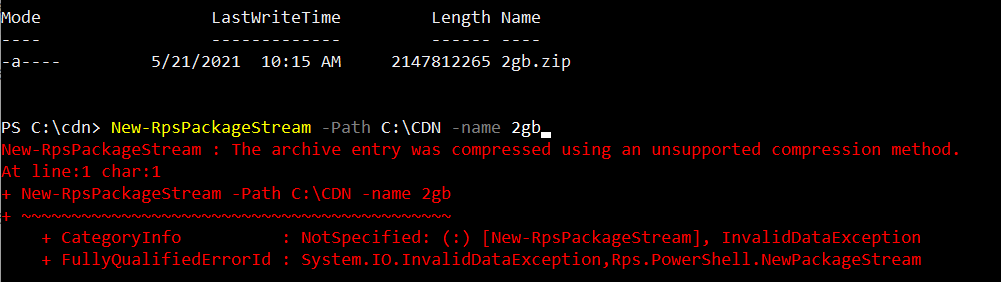
The maximum supported RPS Package size is 2GB. Any RPS Package zip file that is larger than 2GB will throw an exception when RPS tries to open the package and read the manifest file from the package zip file.
This exception can occur in two scenarios:
- When creating a new package stream with a package where the zip file size is greater than 2GB.
- When adding a new package to an existing package stream where the package zip file size is greater than 2GB.
The resulting behavior:
How to Create a Package
A package consists of all the files needed to run on the targets in order to install, upgrade, or uninstall. A package archive requires the content, of which one file should be the executable entry point, and a Package Manifest file, which contains the metadata needed by RPS in order to process the package.
Example: Creating a FireFox Install Package
Zip the installer and any files needed for the desired Firefox version.
Create the Package Manifest file with a name of "Package.RPS" for the Firefox version that is to be installed
Add the Package Manifest to the Firefox zip archive created above
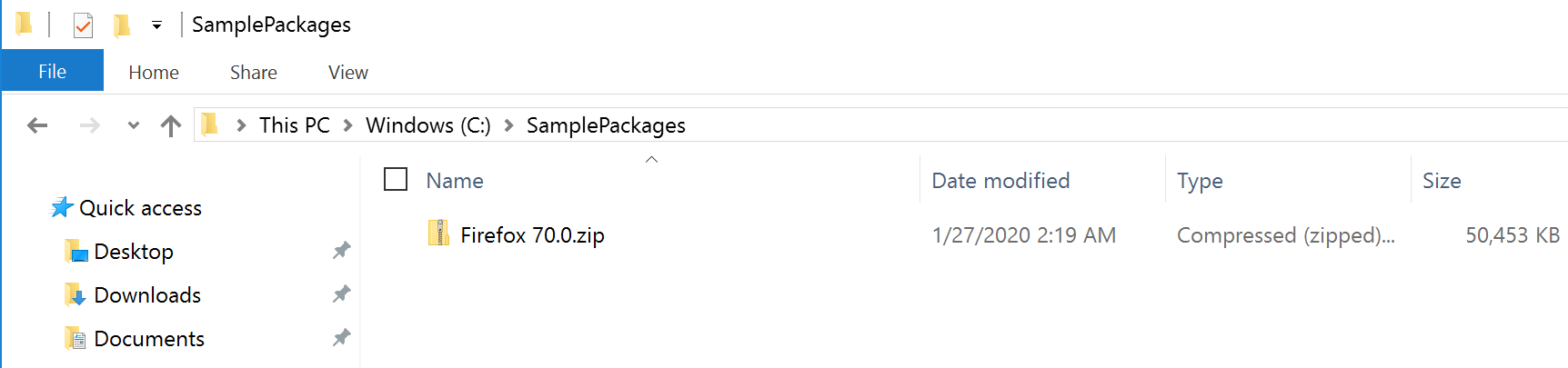 Figure 1 Firefox v70.0 Rps Package
 Figure 2 Firefox Package Contents